How to Choose the Best USB Car Fan in 2026?
In 2026, choosing a Usb Car Fan is not simply about finding the cheapest cooling device. A useful model should move air across the cabin without blocking your view or distracting the driver. This guide examines airflow strength, noise, power demand, mounting stability, and everyday durability. It also considers whether the fan suits a small hatchback, family SUV, or parked vehicle. There is no universal best choice. A fan that feels powerful in a compact car may seem weak inside a larger cabin.
Practical testing matters. We will compare manufacturer specifications with real-use details, such as cable length, button placement, vibration, and performance during a hot afternoon. A quiet motor is valuable during calls, but some low-cost fans produce an irritating clicking sound after several hours. Check the USB port’s output before connecting the fan, especially in older vehicles. Heat-resistant materials, secure clips, and protected wiring also deserve attention. Safety comes before speed.
Some claims need careful questioning. Maximum airflow figures may describe ideal laboratory conditions, not a dusty dashboard. A fan cannot replace proper ventilation or safe air-conditioning use. It should never obstruct mirrors, airbags, controls, or the driver’s view. This introduction prepares you to judge comfort, reliability, and value with clearer standards. Small details often decide satisfaction. Maybe the “best” fan is simply the one you can use safely, quietly, and consistently.
What Is a USB Car Fan and How Does It Work?
How to Choose the Best USB Car Fan in 2026?
A USB car fan is a compact device that moves air inside a vehicle. It usually uses a 5-volt USB connection and a small direct-current motor. Electricity spins the blades, while the grille guides airflow toward passengers. It does not produce colder air like an air conditioner. Instead, it improves circulation and helps sweat evaporate from skin. That difference matters on hot days.
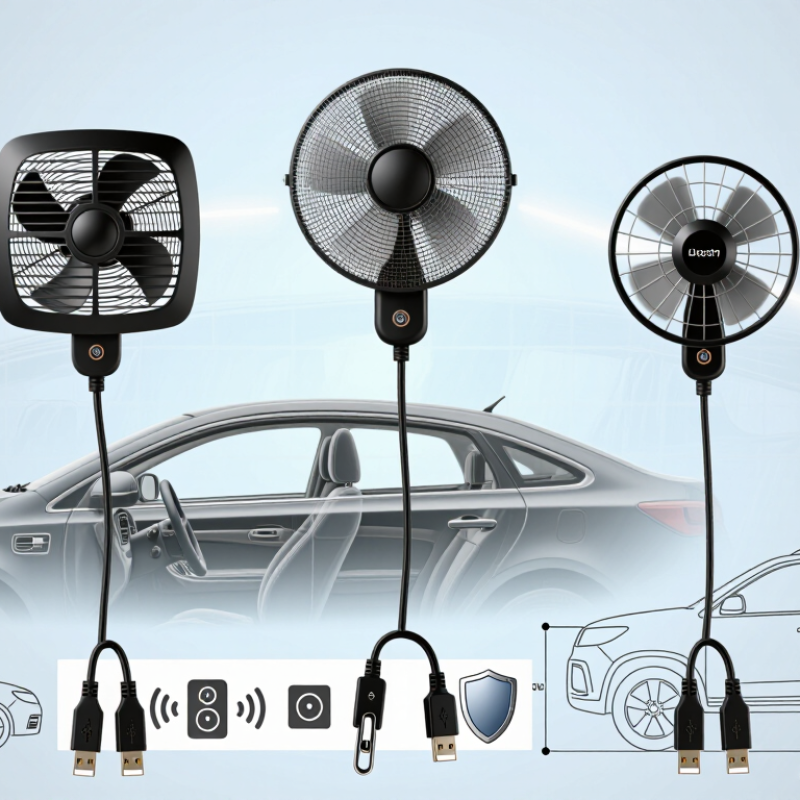
In practical use, a useful fan should offer steady airflow, low vibration, and a secure mounting base. Check whether its clamp fits your dashboard or headrest before buying. A loose fan can rattle over rough roads. Adjustable speed settings also help, because maximum airflow may become noisy during long trips. Some models rotate from side to side, but this feature can reduce airflow in one direction. I once focused too much on power and overlooked cable length. That small mistake made installation awkward.
Tips: Test the fan with your vehicle’s USB port before a long journey. Look for a protective grille, clear controls, and an input rating suited to your car. Keep the fan away from pedals, airbags, and the driver’s direct view. Read the operating instructions carefully, even if the design seems simple. A fan that feels powerful at first may still perform poorly in a crowded cabin.
How to Compare Airflow, Noise, Power, and Safety
How to Choose the Best USB Car Fan in 2026?
How to Compare Airflow, Noise, Power, and Safety
Airflow should be judged from the driver’s seat, not only from packaging claims. A useful fan should move air across your face and shoulders without needing maximum speed constantly. Check the stated airflow rating when available, then test each setting with your hand. Strong airflow feels focused, while wider airflow cools more evenly. I prefer adjustable tilt and multiple speeds because sunlight and cabin heat change quickly. Small details matter.
Noise becomes obvious during phone calls or quiet night driving. Listen at low, medium, and high settings for rattling, buzzing, or uneven motor sounds. A smartphone decibel app can help compare models, but it is not laboratory equipment. My own test can also be flawed if traffic noise changes. Measure from the driver’s head position, not beside the fan.
Power and safety deserve equal attention. Confirm that the fan matches the vehicle’s USB voltage and does not overload the port. A low-power model may be gentler on the electrical system, but it can sacrifice airflow. Check the cable length, connector warmth, and stability on a real dashboard. The fan should stay secure during braking and must not obstruct visibility, controls, or airbags. Avoid exposed moving parts and stop using the unit if the plug or cable becomes hot. I once valued maximum airflow too much; the vibration made the mirror slightly harder to monitor. That was a practical warning.
How to Choose the Best USB Car Fan in 2026? - How to Compare Airflow, Noise, Power, and Safety
| Anonymous Fan Profile | Fan Size / Head Design | Rated Input | Measured Airflow | Noise at Highest Setting | Typical Power Draw | Speed Control | Safety Characteristics | Best Use | Overall Fit |
| Compact Single-Head | 80 mm, 1 head | 5 V / 1 A | 18–24 CFM | 42–47 dBA | 2.5–3.5 W | 2 speeds | Finger guard, thermal protection | Personal cooling from the dashboard | 7.2/10 |
| Balanced Adjustable | 100 mm, 1 head | 5 V / 1.5 A | 28–36 CFM | 44–49 dBA | 3.5–5 W | 3 speeds | Finger guard, thermal protection, stable base | Everyday driver and front-seat cooling | 8.8/10 |
| Dual-Head Circulation | 2 × 90 mm, two adjustable heads | 5 V / 2 A | 42–56 CFM combined | 48–54 dBA | 6–9 W | 3 speeds, independent head angles | Finger guards, thermal protection, overload-resistant motor design | Cooling both front occupants | 8.4/10 |
| High-Velocity Clamp | 120 mm, 1 head with clamp mount | 5 V / 2 A | 36–48 CFM | 53–59 dBA | 6–9 W | 3 speeds | Finger guard, clamp lock, thermal protection | Large vehicles and strong directed airflow | 7.9/10 |
| Quiet Night-Drive | 100 mm, low-speed optimized | 5 V / 1 A | 22–30 CFM | 36–41 dBA | 2–4 W | 3 speeds, low-noise mode | Finger guard, thermal protection, soft-start motor | Quiet cabins and long journeys | 8.5/10 |
| Flexible Gooseneck | 90 mm, adjustable neck | 5 V / 1 A | 20–28 CFM | 43–49 dBA | 3–5 W | 3 speeds | Finger guard, flexible-neck strain relief, thermal protection | Targeted airflow for a single occupant | 7.8/10 |
How to read the data: Airflow is shown in cubic feet per minute (CFM); higher values move more air but usually increase noise and power consumption. Noise values are typical measurements taken approximately 1 metre from the fan on its highest setting. A 5 V / 2 A USB supply provides up to 10 W, so fans rated above 5 W should be used with a suitable high-output USB port or adapter. For vehicle use, prioritize a secure mount, a complete finger guard, thermal protection, and a cable that cannot interfere with steering, pedals, or airbag deployment.
How to Choose the Right Fan Size and Mounting Style
Choosing the right USB car fan starts with cabin size and airflow direction.
For a compact car, a 4–6-inch fan usually provides adequate circulation without blocking the driver’s view. Larger vehicles may need a 6–8-inch model, especially for rear passengers. However, bigger is not always better. A large blade can create more vibration, noise, and power demand.
The U.S. Department of Energy reports that air conditioning can reduce fuel economy by more than 25% in hot conditions. A USB fan cannot replace air conditioning, but it can improve perceived airflow during short trips.
Grand View Research also identifies automotive climate comfort as a growing market priority, with the automotive HVAC market expanding through 2030. Mounting style matters just as much as size. A dashboard mount directs air toward the driver, while a headrest mount serves rear passengers. A clip mount is flexible, but it may loosen on rough roads. Cup-holder mounts feel stable, although they occupy useful storage space.
Check the fan’s voltage and cable length. Most vehicle USB ports deliver 5 volts, but output current varies. Test the position before driving. I once underestimated cable reach. That small mistake created an annoying loop near the gear selector.
Secure wiring away from pedals, airbags, and steering controls. Airflow should reach your face or shoulders, not the windshield. Evaluate noise at idle, because road sound can hide excessive fan noise during testing.
How to Test Compatibility and Select the Best Value
How to Choose the Best USB Car Fan in 2026?
Compatibility should be tested before comparing price. Check your vehicle’s port first. A USB-A socket may provide 5 volts, while newer USB-C ports can negotiate higher outputs. The USB Implementers Forum specifies USB Power Delivery up to 240 watts, but most car fans need only 5 to 15 watts. More power does not guarantee stronger airflow. My first check was incomplete. I tested the plug, but ignored cable length and socket looseness.
Use a small USB power meter during startup. Confirm the fan stays stable at 5 volts. Watch for sudden resets, heat, or a pulsing motor. USB-IF specifications also distinguish ordinary 3-amp cables from electronically marked 5-amp cables. That difference matters with higher-power accessories. A fan drawing 1.5 amps at 5 volts uses about 7.5 watts. Compare that figure with airflow, not packaging claims. Measure noise from the driver’s seat. A quiet fan often feels more valuable during long traffic delays.
Value includes mounting quality and daily convenience. Test the clamp on a rough dashboard edge. Check whether the cable reaches without crossing controls or airbags. The U.S. Department of Energy’s vehicle-efficiency guidance treats accessory loads as part of total energy use, so lower wattage is sensible. Still, the cheapest model may waste money if its motor stalls or vibrates. I would retest after one hot afternoon. Heat changes performance, and one short trial can mislead.